 Sitch
SitchThe free Skitch alternative
for Windows & Mac
Skitch is gone. Sitch brings it back: press a hotkey, drag over anything, add the classic tapered arrow, blur the secrets, and paste it anywhere — in seconds. Free, open source, and fully offline.
Windows 10/11: one portable .exe, no installer · macOS 15+: signed, notarized, Apple Silicon + Intel
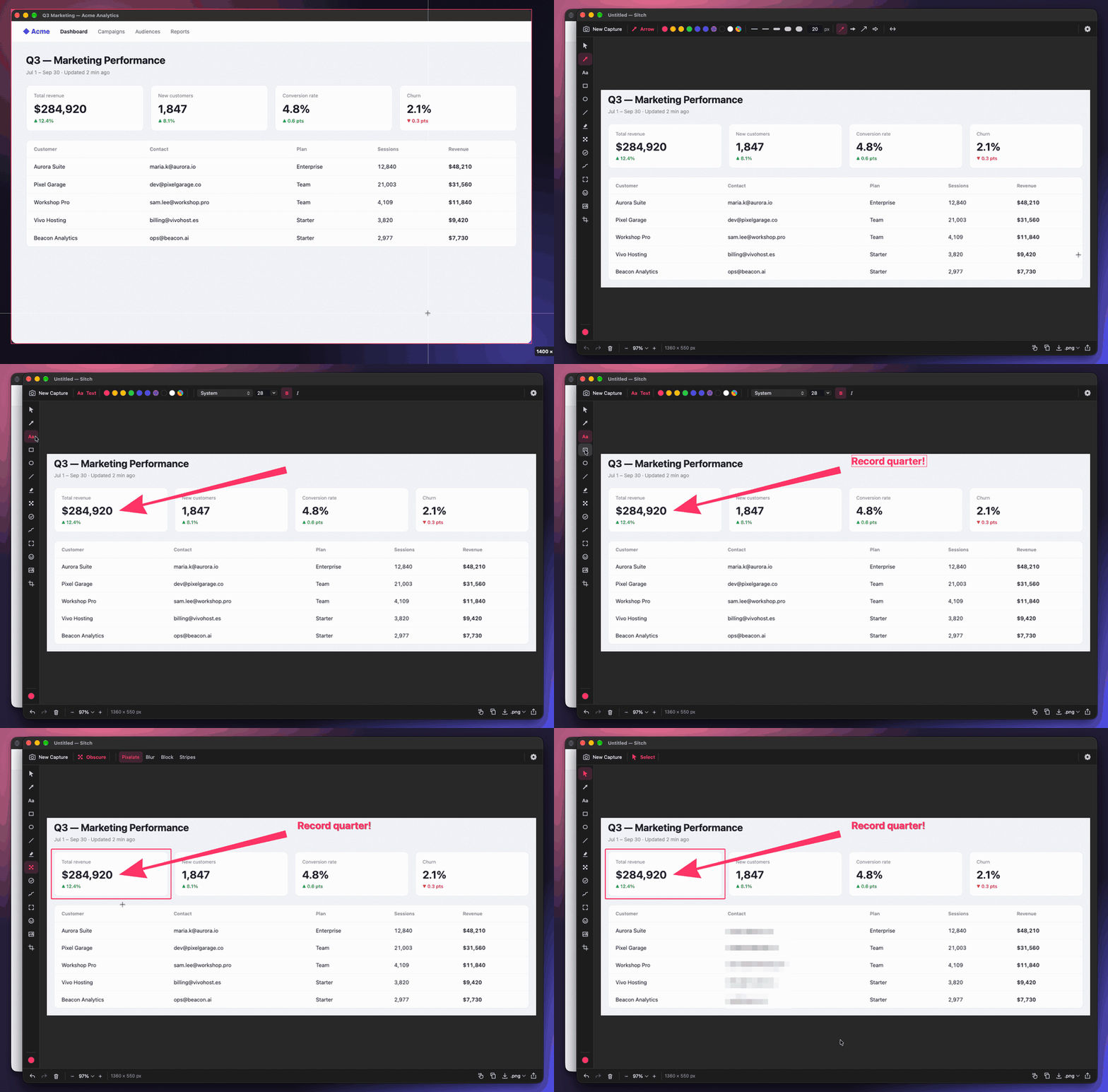
Everything you loved about Skitch
One hotkey, no dialogs
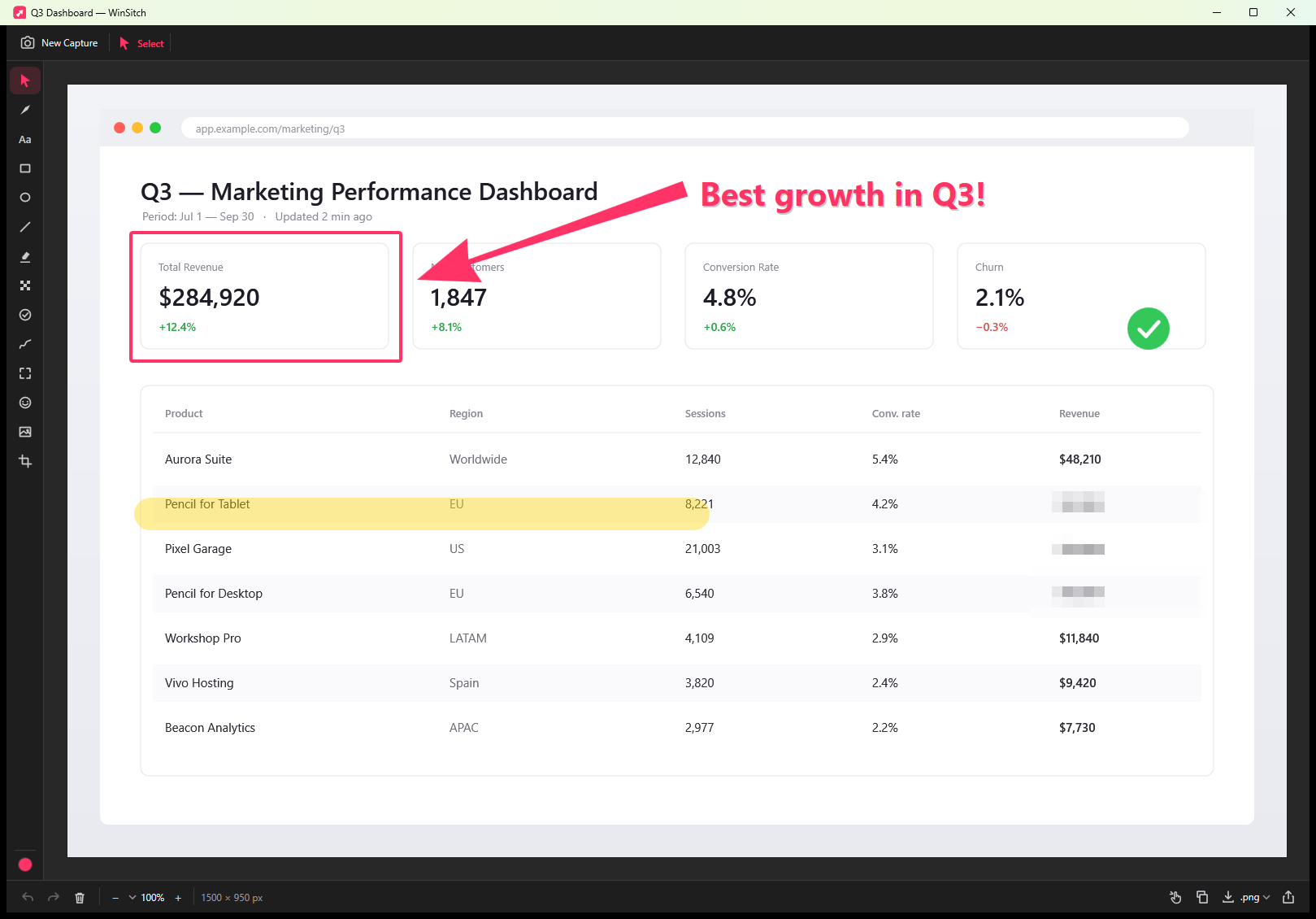
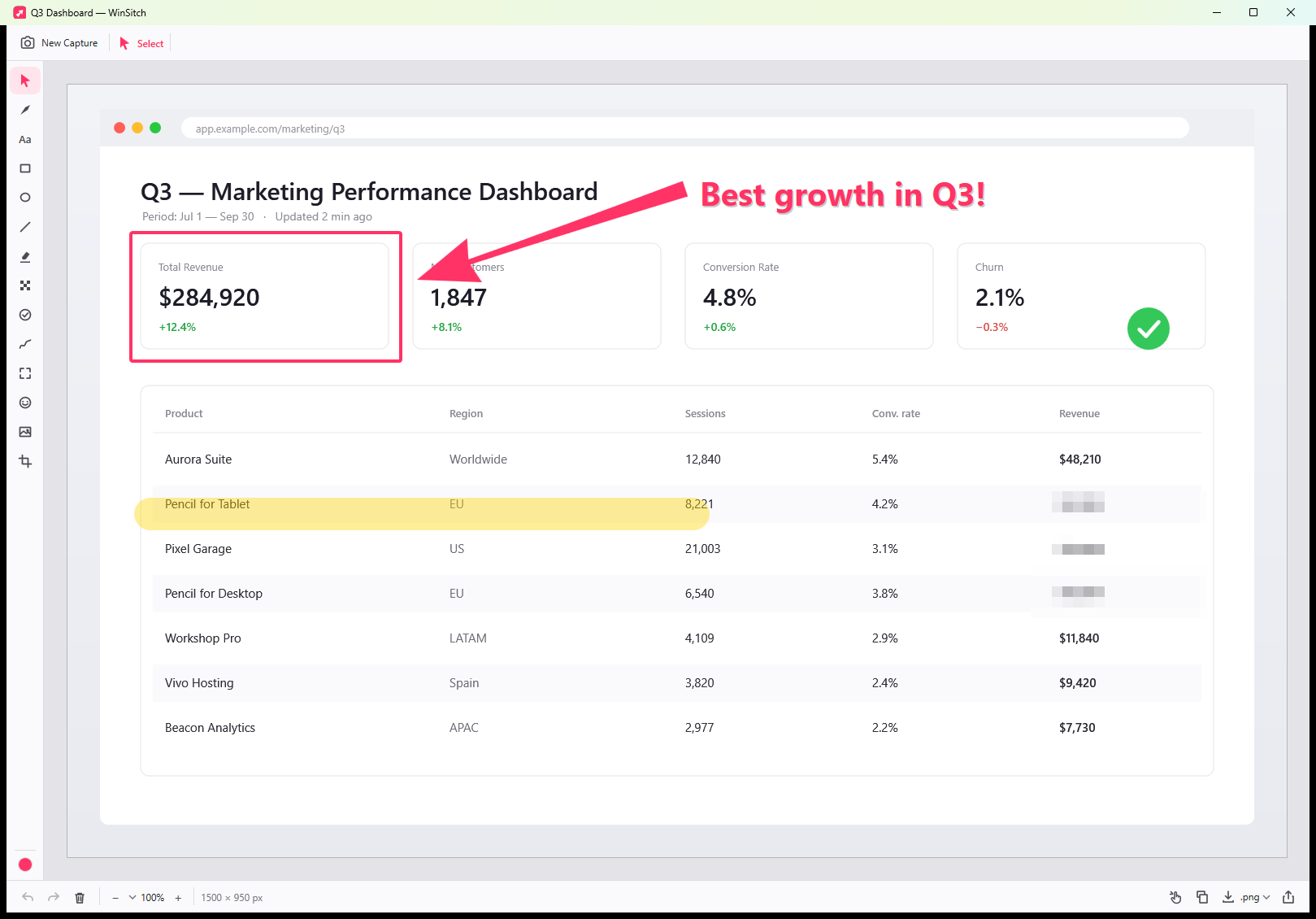
Ctrl+Alt+4 or ⌘⌥4, drag a region or click a window, and you're annotating. Every capture is already on your clipboard.
The tapered arrow
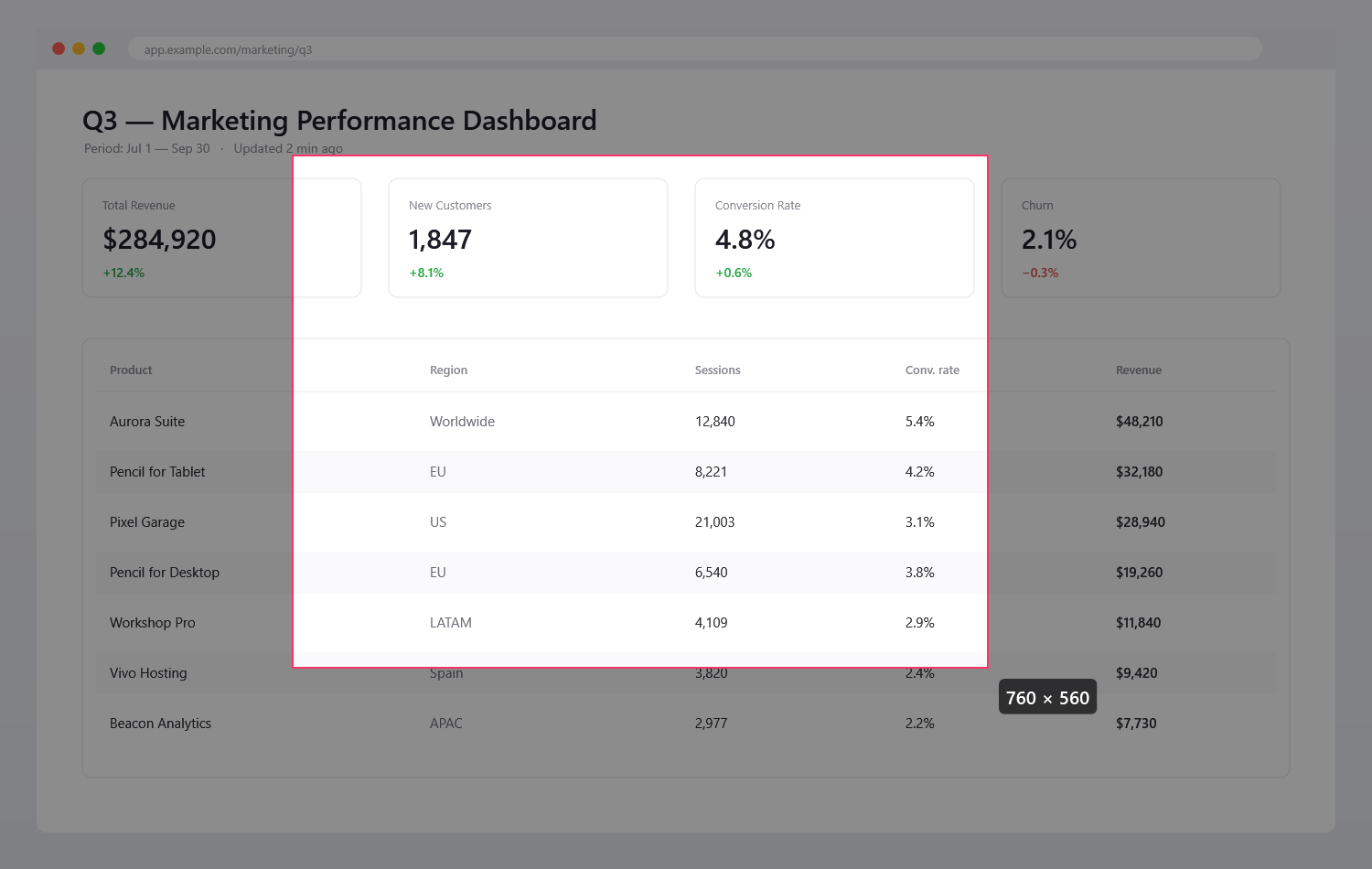
Thick at the base, fine at the tip — plus filled, open, concave and double-headed styles.
Redact properly
Pixelate, blur, solid block or stripes, flattened into the pixels on export so nothing can be un-hidden.
Private by design
No account, no cloud, no upload links, no telemetry. Sitch makes no network connections at all.
Truly native
WPF on Windows, Swift and AppKit on the Mac. Not Electron, not a web wrapper.
Share any way you like
Copy at full resolution, drag straight into Slack or Mail, use the share sheet, or export PNG, JPEG, PDF or TIFF.
14 annotation tools
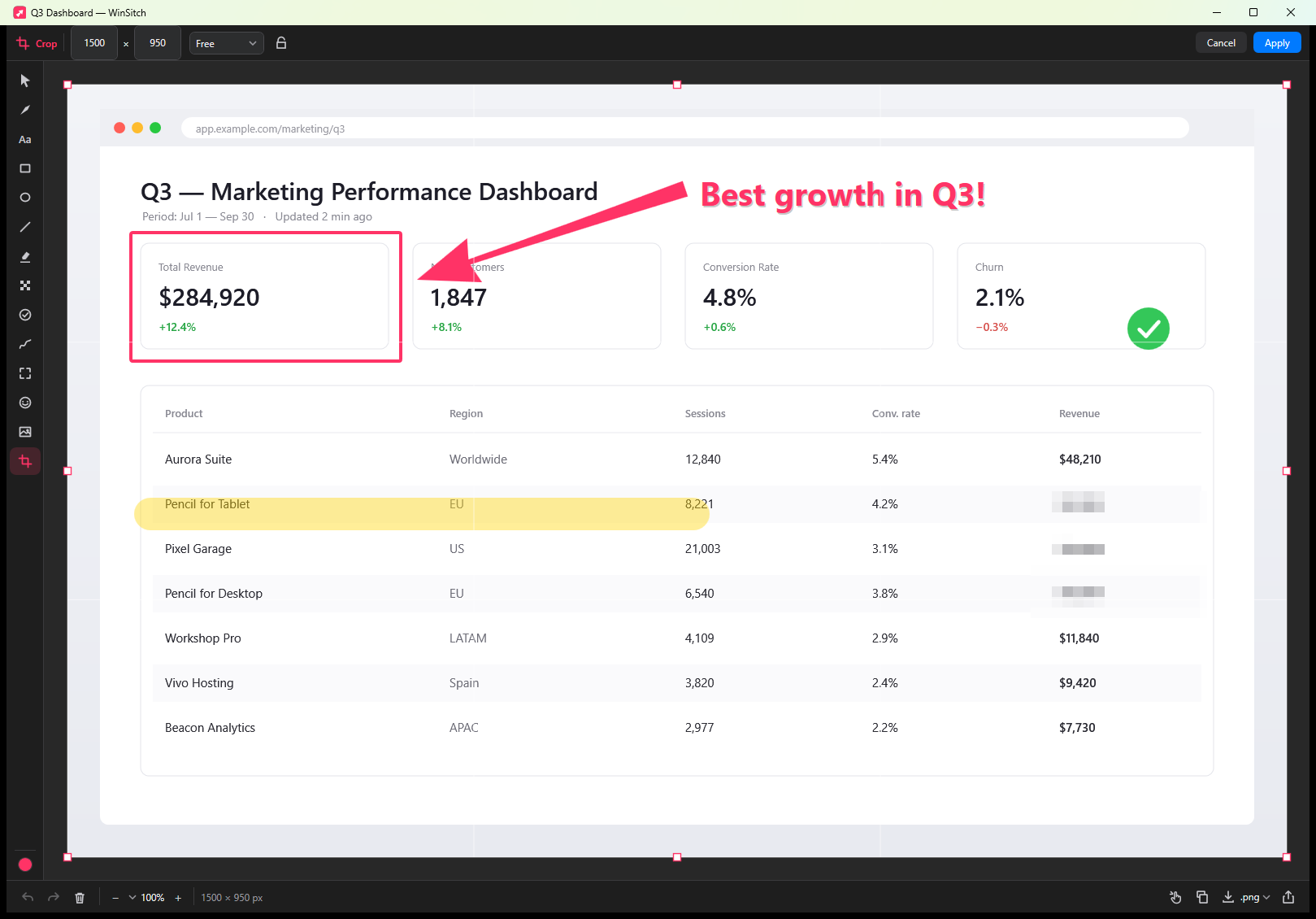
Select · Arrow · Text (any font, re-editable) · Rectangle · Ellipse · Line · Highlighter · Obscure (pixelate / blur / block / stripes) · Stamps (✓ ✕ ★ and auto-numbered steps) · Pen · Spotlight · Emoji stickers · Image overlay · non-destructive Crop. Every mark stays editable until you export, with full undo and redo.
Sitch vs. Skitch, Snagit, CleanShot X, ShareX & Lightshot
| Windows | Mac | Price | Open source | Cloud uploads | |
|---|---|---|---|---|---|
| Sitch | ✅ | ✅ | Free | ✅ MIT | Never |
| Skitch | ❌ discontinued 2016 | ⚠️ Intel-only, last updated 2020 | Free | ❌ | Evernote |
| Snagit | ✅ | ✅ | ~$39/year | ❌ | Optional |
| CleanShot X | ❌ | ✅ | Paid | ❌ | Optional |
| ShareX | ✅ | ❌ | Free | ✅ GPL | Optional |
| Lightshot | ✅ | ✅ | Free | ❌ | Public prnt.sc links |
Prices as of 2026.
FAQ
Is there still a Skitch for Windows?
No — Evernote discontinued Skitch for Windows in January 2016. Sitch is a free, native replacement for Windows 10 and 11. More on Sitch for Windows →
Does Skitch still work on Mac?
Skitch for Mac hasn't been updated since 2020 and is Intel-only, so Apple Silicon Macs run it through Rosetta 2, which Apple is phasing out after macOS 27. Sitch is a native universal app. More on Sitch for Mac →
Is Sitch really free?
Yes. MIT-licensed open source: no account, no subscription, no pro tier, no ads, no tracking.
Does Sitch upload my screenshots?
No. Sitch makes no network connections. Captures stay on your computer until you save or share them.
How do I blur or hide sensitive information in a screenshot?
Use the Obscure tool. For real secrets prefer solid block or stripes — blur and pixelation can sometimes be partially reversed. Redactions are flattened into the pixels when you export.